
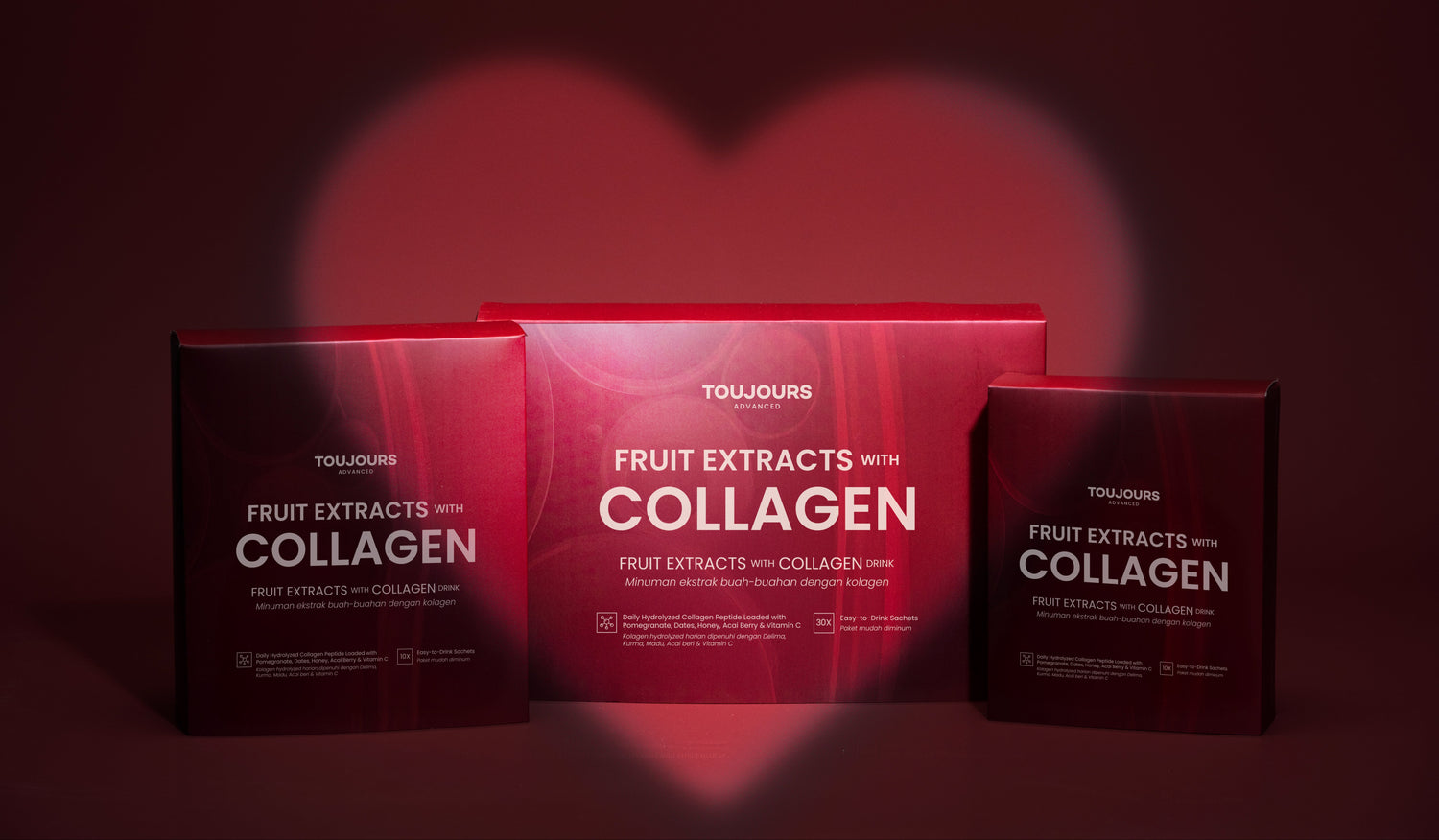
PRODUCT AUTHENTICITY & VERIFICATION GUIDE
Your trust means everything to us. To safeguard product quality and protect against imitation products, Toujours has introduced an authenticity verification system for all genuine products.
Below is a simple guide to help you understand the verification process and where to get support if needed.
AUTHENTICITY STEPS
-

1. HOLOGRAM STICKER
Upon receiving your Toujours product, please ensure the packaging includes our official hologram sticker.
-

2. QR CODE
Scan the QR code on the hologram sticker to access our official verification page. For security purposes, each QR code can only be scanned up to 3 times.
-

3. LANDING PAGE
Please ensure you are directed to verify.toujours.com.my before proceeding.
-

4. SERIAL CODE
Scratch off the foil on the hologram sticker to reveal the unique serial code, then enter the PIN in the designated field.


-

5. VERIFICATION STATUS
Tap Submit to verify your product’s authenticity.
You will receive a notification once the verification is successful. -

6. EARN POINTS & REWARDS
After successful verification, tap OK, then select Join Now to earn points and redeem exclusive rewards, if applicable.
-

7. VERIFIED
Each serial code can only be verified once. Any subsequent attempts will be flagged by the system for security purposes.


______________________
IMPORTANT AUTHENTICITY ALERTS
Please be cautious if you encounter any of the following situations when verifying your Toujours product:
-

1. INCORRECT WEBSITE ADDRESS
The verification page must be verify.toujours.com.my. Please check the spelling carefully — any other website may be a scam.
-

2. VERIFICATION DETAILS DO NOT MATCH YOUR SCAN TIME
When a product is verified as authentic, ensure the date and time shown match when you performed the scan. Any mismatch may indicate a fraudulent verification.
-

3. VERIFICATION APPEARS SUCCESSFUL WITHOUT ENTERING A SERIAL CODE
A genuine product requires a PIN code for verification. Skipping this step may indicate a non-genuine product.


-

4. COUNTERFEIT ALERT MESSAGE APPEARS
This means the QR code has been scanned too many times and the product may be counterfeit.
-

5. QR CODE DOES NOT WORK OR LEADS NOWHERE
A QR code that does not respond or redirect is a cause for concern.
-

6. ALWAYS KEEP A RECORD OF YOUR VERIFICATION ATTEMPT
Please take screenshots of all messages or pages shown during the verification process.
This will help our team review and assist you more efficiently if any issues arise.


FAQ
How can I verify the authenticity of my Toujours product?
Each genuine Toujours product comes with an official hologram sticker on the packaging. Simply scan the QR code on the hologram sticker to begin the verification process.
Where will I be directed after scanning the QR code?
After scanning, you’ll be directed to Toujours’ official authenticity landing page, where you can proceed with the authenticity check.
What should I do on the authenticity landing page?
Tap “Authenticity Check” to access the verification form, then complete the required details as prompted.
Where can I find the PIN code required for verification?
The PIN code is located beneath the scratch-off foil on the hologram sticker. Gently scratch off the foil to reveal the unique serial code, then enter the PIN into the form.
How will I know if my product is authentic?
Once submitted, the system will immediately confirm whether your product is authentic.
Can the QR code be scanned multiple times?
For security purposes, each QR code can only be scanned up to 5 times. After reaching this limit, the QR code will no longer be scannable.
Can the serial code be verified more than once?
No. Each serial code can only be verified once. Any subsequent attempts will be flagged by the system.
Will I receive reward points after verification?
Yes. Once your product is successfully verified, you’ll be able to collect your reward points.
What should I do if I’m unable to verify my product or encounter any issues?
If you experience any issues during verification, please contact Toujours Customer Support with:
• Your purchase details
• Clear photos of the product packaging
• The hologram sticker and PIN code
Will I receive reward points after verification?
Yes. Once your product is successfully verified, you’ll be able to collect reward points as part of the Toujours loyalty programme, which can be redeemed for exclusive rewards, vouchers, and future purchases.
NEED HELP?
If you’re unable to scan the QR code or encounter any issues during verification, please reach out to us. Our team will be happy to assist you.
-
WHATSAPP
+6012 5008743 -
FOLLOW US